
Uptime Kuma is a self-hosted monitoring tool designed for easy network interface monitoring. It provides a visual interface to monitor network traffic and offers automatic configuration. Users can install it via Docker with the following command: ```bash mkdir uptime-kuma cd uptime-kuma curl -o compose.yaml https://raw.githubusercontent.com/louislam/uptime-kuma/master/compose.yaml docker compose up -d ``` To run it, users can use: ```bash docker run -d --restart=always -p 3001:3001 -v uptime-kuma:/app/data --name uptime-kuma louislam/uptime-kuma:2 ``` For local use, ports can be adjusted to: - 127.0.0.1:3001 - localhost:3001 - 0.0.0.0:3001 The tool supports domain binding through settings and can be downloaded from宝塔自身商店. screenshots and GUI are available on GitHub for further customization options."/>
200字
uptime kuma部署简单教程
2025-11-15
2025-11-15

Uptime Kuma

Uptime Kuma is an easy-to-use self-hosted monitoring tool.

github地址:
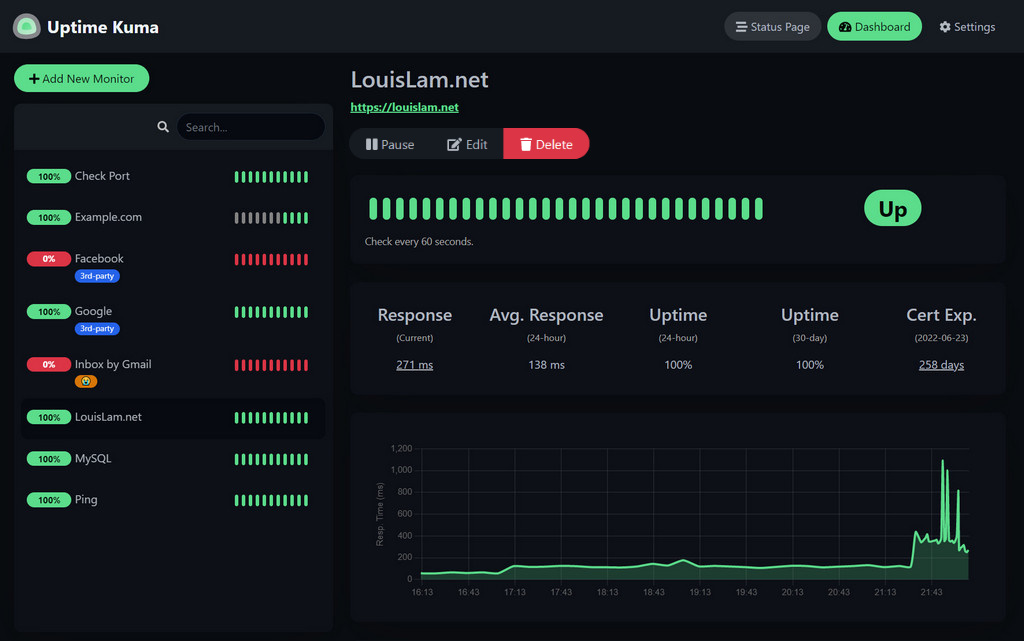
https://github.com/louislam/uptime-kuma

1.使用命令安装

mkdir uptime-kuma
cd uptime-kuma
curl -o compose.yaml https://raw.githubusercontent.com/louislam/uptime-kuma/master/compose.yaml
docker compose up -d

Uptime Kuma is now running on all network interfaces (e.g. http://localhost:3001http://your-ip:3001).

2.docker一键命令

docker run -d --restart=always -p 3001:3001 -v uptime-kuma:/app/data --name uptime-kuma louislam/uptime-kuma:2

Uptime Kuma is now running on all network interfaces (e.g. http://localhost:3001http://your-ip:3001).

If you want to limit exposure to localhost only:

docker run ... -p 127.0.0.1:3001:3001 ...

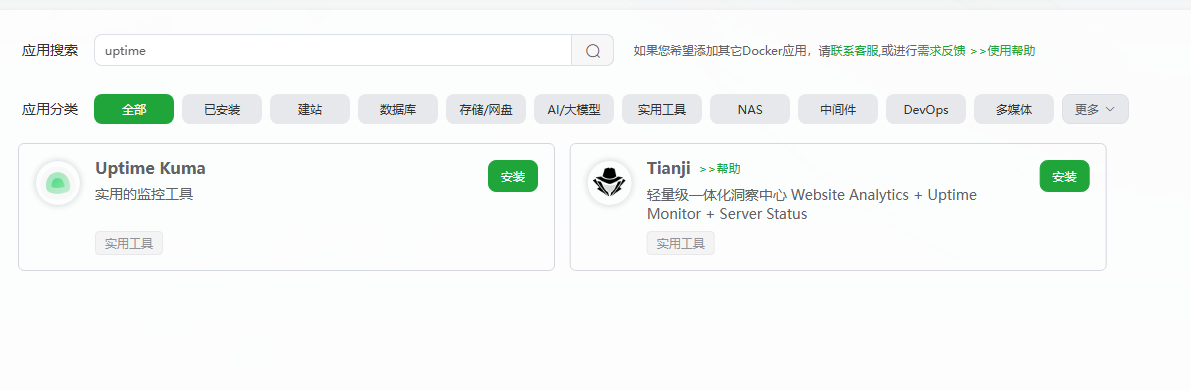
使用宝塔自带的docker 商店搜索下载

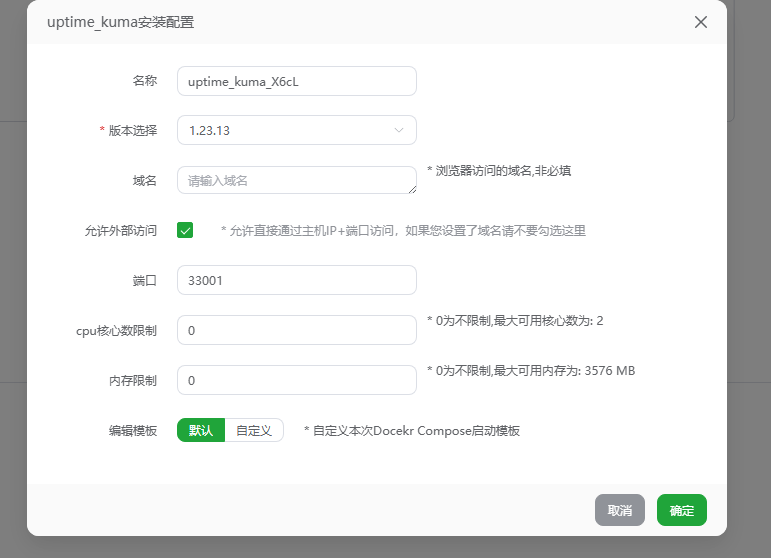
默认选择 可以绑定域名

也可以通过
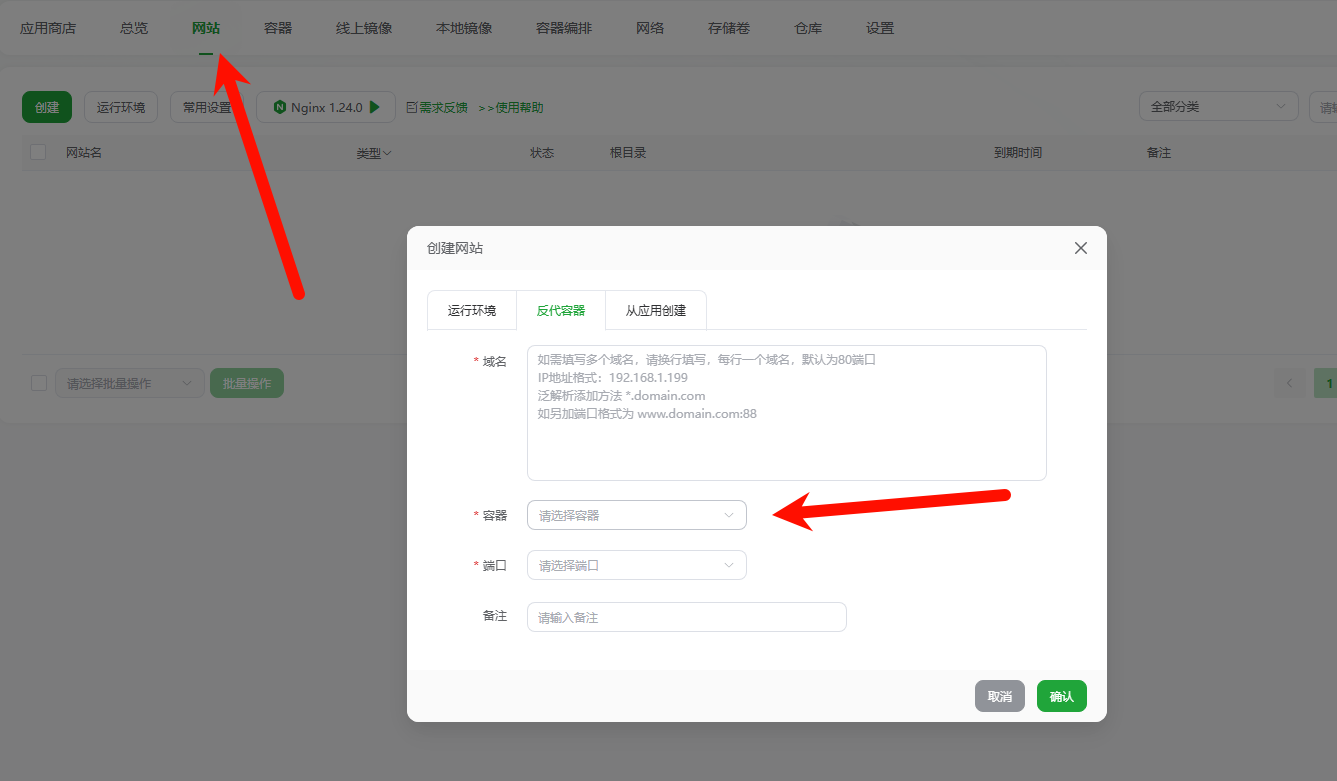
这里来绑定域名

uptime kuma部署简单教程
作者
Administrator
发表于
2025-11-15
License
CC BY-NC-SA 4.0

评论